
1. Go to the Online Shop
2. Select the Photo Book you want from the Photo Book category by selecting the appropriate features and clicking on Design.
3. Choose the PDF Upload option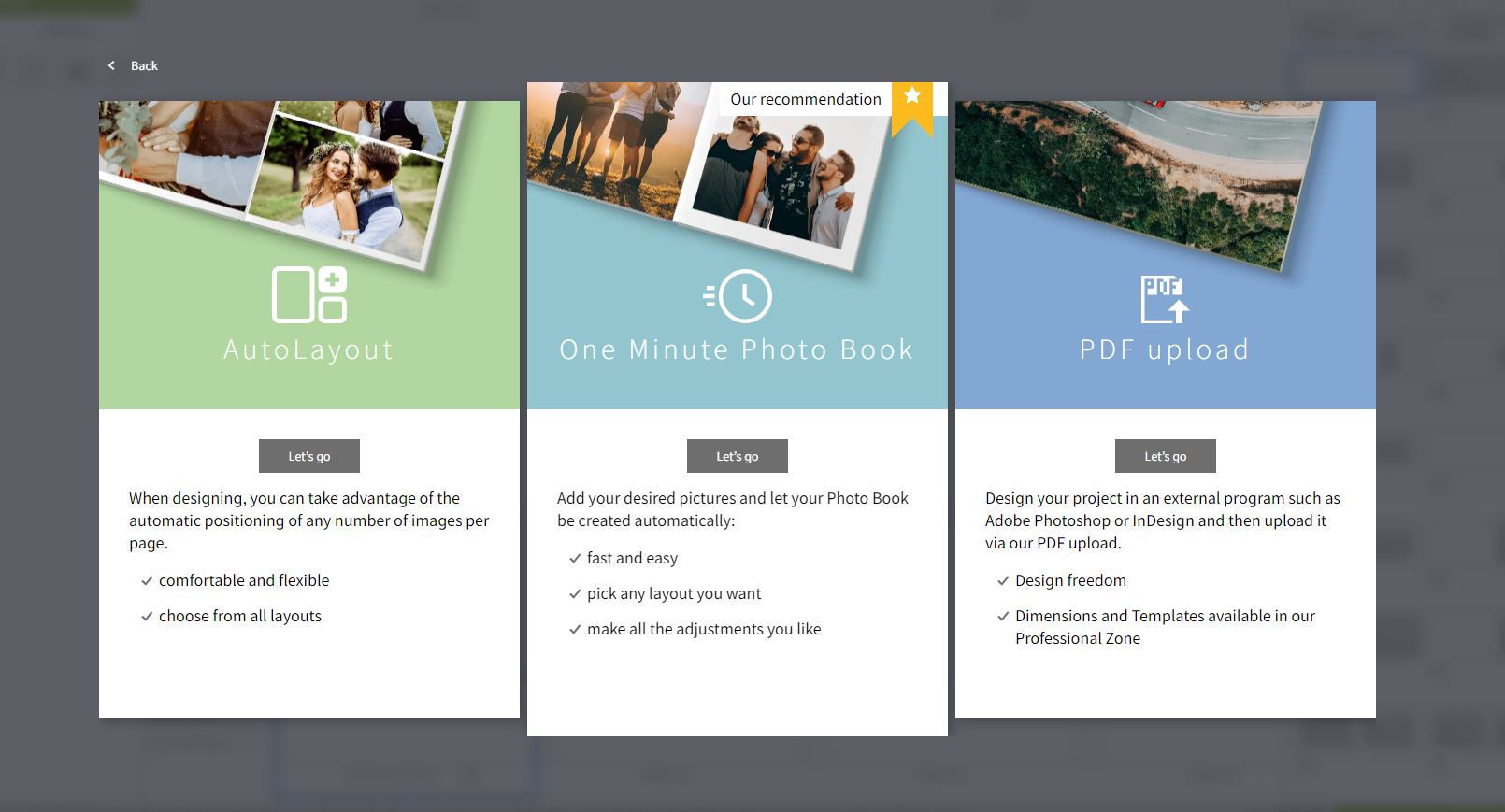
4. Follow this guide before uploading your PDF:
5. Uploading the PDF file may take a few minutes. Please wait until all images have been uploaded.
6. Once your PDFs are uploaded, you will see the number of images uploaded at the bottom of the page. This corresponds to the number of pages in your Photo Book. Click Next.
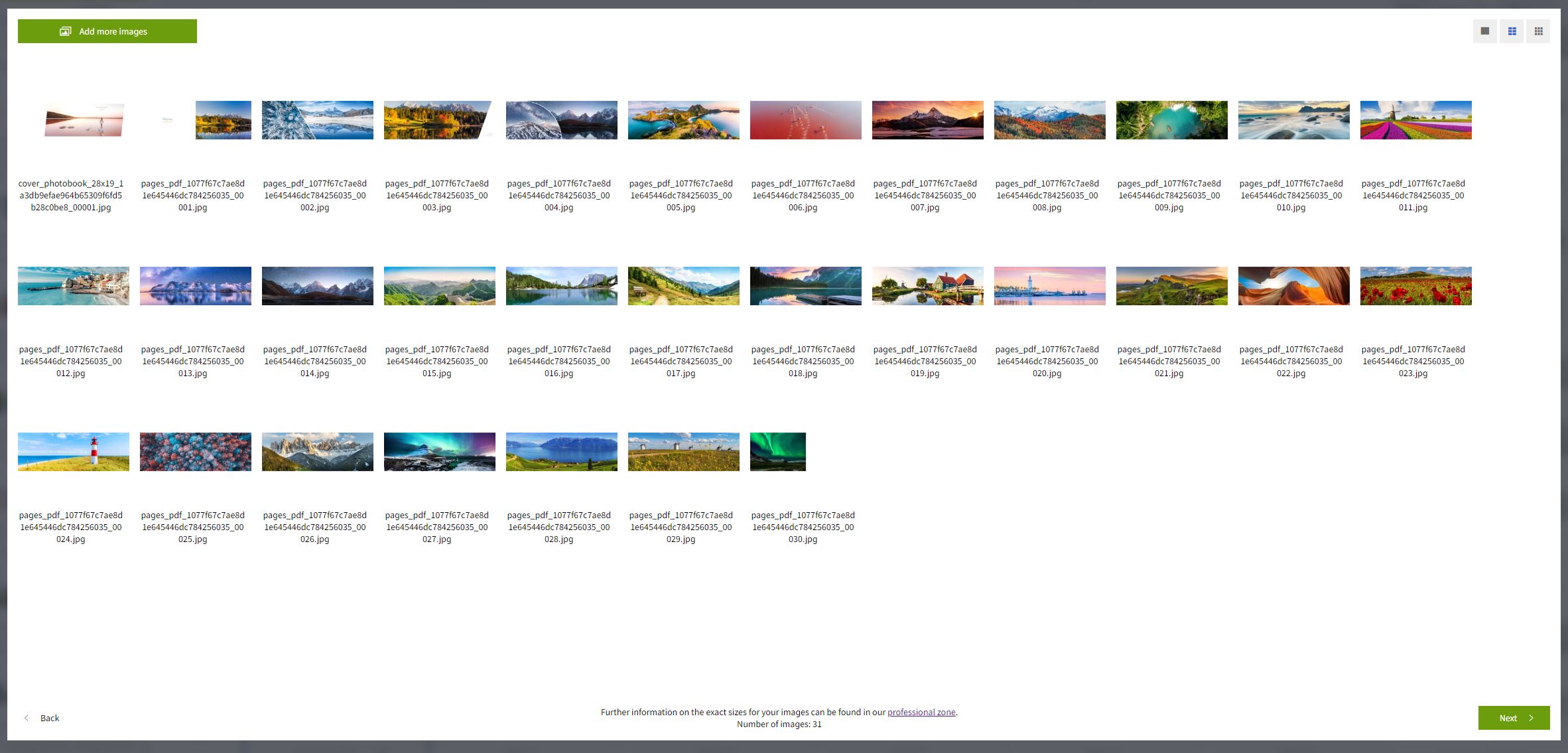
7. All images will automatically be placed on the pages.
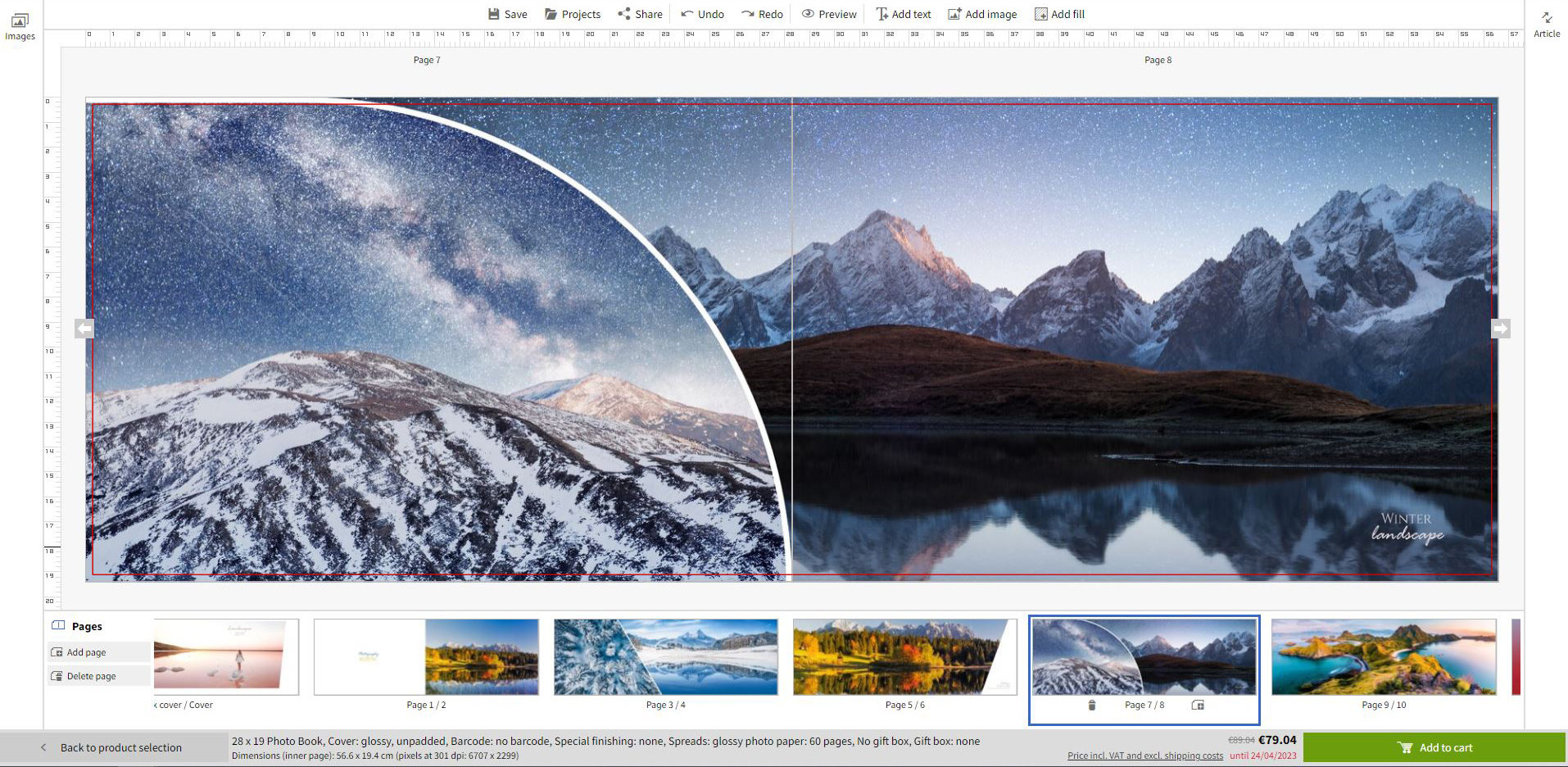
8. Review all pages and make any necessary adjustments.
9. If everything is to your satisfaction, you can add the project to your shopping cart and order it.

Store, share, and sell your photos with ease. We go beyond software; we’re your all-in-one fulfillment and lab partner. With marketing automation, order management, and analytics, it’s everything you need to succeed online.

Recibe descuentos exclusivos y consejos de diseño. Al registrarte, aceptas nuestra Política de privacidad. Puedes darte de baja en cualquier momento.




Your language setting does not match the language of this website. Please choose:
Your language setting does not match the language of this website. Please choose:

 Change your country







